

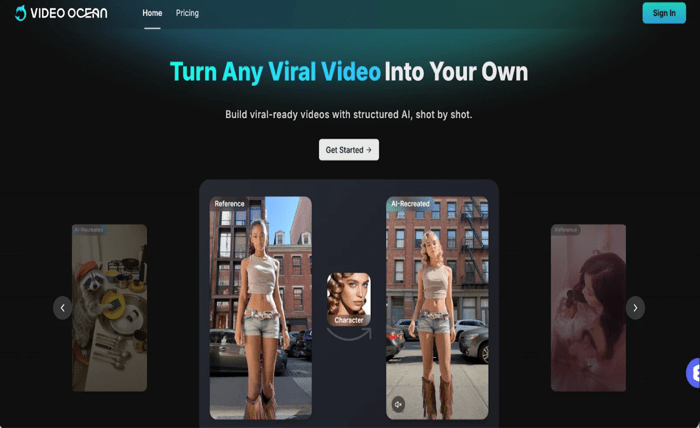
If you want to try Video Ocean without paying first, Videoinu is a practical place to start. New users get free credits to try models on the platform, and Video Ocean is available inside Videoinu’s regular creation tools.
On Videoinu, Video Ocean is described as a model for balanced visuals, stable motion, and broad creative coverage across everyday video production.
That makes Video Ocean a good option when you want something flexible and easy to use. It supports both text and image input on Videoinu, so you can start from a written idea or a visual reference depending on what you already have.
What Video Ocean Is Good For
Video Ocean works well for general-purpose AI video creation. Videoinu presents it as a model with balanced visuals, stable motion, and broad creative coverage, which makes it useful for short clips, concept visuals, and scalable everyday workflows.
Compared with Seedance, the positioning is a little different.Seedance is presented by ByteDance Seed as a model with stronger motion stability, prompt following, multi-shot generation, and cinematic aesthetics. Video Ocean, by contrast, feels more like a flexible all-round option for day-to-day video creation instead of a model mainly associated with high-energy cinematic motion. That difference is an inference from how each model is described publicly.
How to Use Video Ocean on Videoinu
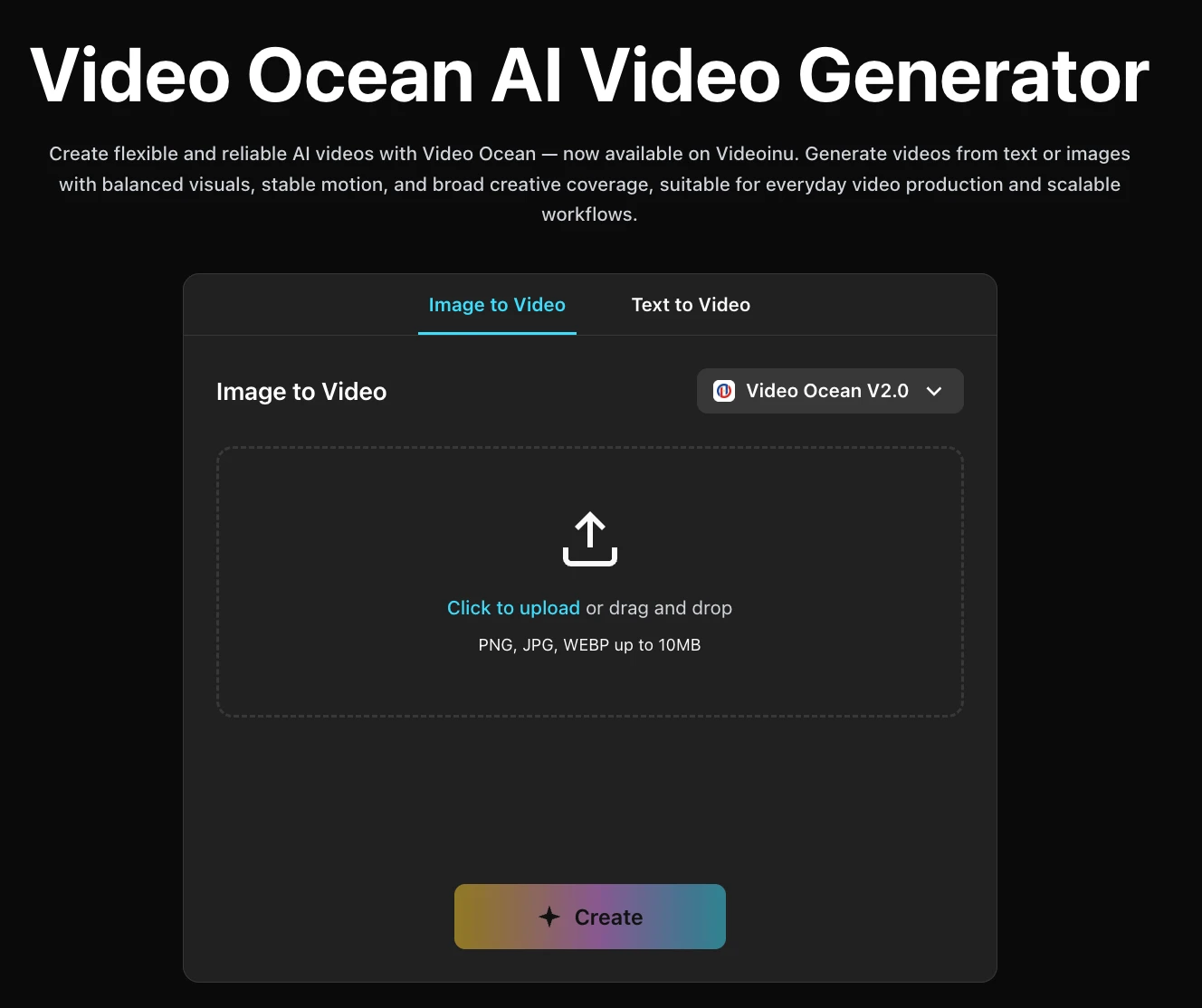
Step 1: Sign Up for Videoinu
Start by creating a Videoinu account. Once you are inside, you can use the platform’s normal video creation tools and try Video Ocean through the same general workflow used for other models. Videoinu’s text-to-video flow is designed for prompts, while its image-to-video flow is built for uploaded visuals.
Step 2: Open a Video Tool and Choose Video Ocean
After signing in, open one of Videoinu’s video tools and choose Video Ocean as the model. The Video Ocean page on Videoinu supports both Image to Video and Text to Video, so you can start from either path depending on your idea.
If you only have a concept in your head, text is usually the easiest starting point. If you already have a strong still image, image input can give you more control over the final look. Videoinu supports both workflows directly.
Step 3: Start with a Clear Prompt or Image
If you use text input, begin with a simple, visual prompt.
For example:
A woman walks through a quiet train station at sunrise, soft mist, gentle camera movement, cinematic mood.
This kind of prompt works well because Video Ocean is positioned as balanced and stable, so a clean scene with one subject and one readable tone is a strong way to test it. That is an inference from Videoinu’s description of the model as broad and stable.
If you use image input instead, upload a strong source image and use the extra prompt mainly to guide motion or camera feel. Videoinu’s image-to-video tool is built for exactly that kind of workflow.
Step 4: Focus on Clarity and Stability
This is where Video Ocean becomes more useful as an everyday model. Instead of pushing for something extreme right away, it often helps to focus on:
- one clear action
- a readable camera move
- a consistent visual tone
- simple scene structure
That approach lines up with Video Ocean’s positioning on Videoinu as a model for stable motion and broad creative coverage.
If your goal is something more motion-heavy or more cinematic in a multi-shot way, Seedance may be the stronger comparison point, since Seedance is explicitly described as supporting multi-shot generation and strong motion stability. But for a simpler first test, Video Ocean is easy to approach.
Step 5: Generate, Review, and Improve
Generate the first version and treat it like a draft. Watch it and check whether:
- the motion feels stable
- the scene is easy to follow
- the visual tone matches your prompt
- the clip feels usable for your goal
If the result is close but not right, change one thing at a time. Tighten the prompt. Simplify the action. Make the tone clearer. Small changes are usually more helpful than rewriting everything from scratch. That recommendation is an inference from the platform’s prompt-based creation flow.
Why Videoinu Is a Good Place to Try Video Ocean
One reason is simplicity. Video Ocean is available inside Videoinu’s normal creation system, so you do not need a separate setup just to test it. Another reason is flexibility: the same platform gives you text-to-video and image-to-video options, plus access to many different models if you want to compare results later.
That makes Videoinu a good place to start if you want a practical workflow instead of hopping between separate tools for each model.
Tips for Better Video Ocean Results
Start with one clear idea. Video Ocean is described as balanced and stable, so a simple scene is usually the best way to understand what it can do.
Use text input for fast testing. If you are still shaping the idea, Videoinu’s text-to-video workflow is the quickest way to see whether the tone and motion feel right.
Use image input when the look already matters. If you have artwork, a product photo, or a strong still frame, Videoinu’s image-to-video workflow gives you a more guided starting point.
Choose Seedance instead when the project depends heavily on cinematic motion and multi-shot flow. Seedance is described with stronger emphasis on those strengths, while Video Ocean is presented more as a flexible all-round creator model.
Final Thoughts
The easiest way to get started with Video Ocean on Videoinu for free is to sign up, choose Video Ocean inside a video tool, and begin with either a short prompt or a strong image. If your goal is a stable, flexible model for everyday AI video creation, Video Ocean is a good one to test first. If you later want something more motion-driven and cinematic, Seedance is a natural comparison point.
FAQs
Can I use Video Ocean on Videoinu for free?
Videoinu offers free credits for new users, which gives you a free starting path to try models like Video Ocean inside its creation workflow.
What is Video Ocean best for?
Video Ocean is best for flexible, general-purpose AI video creation with balanced visuals and stable motion. That is how it is positioned on Videoinu.
Can I start with text or image input?
Yes. Video Ocean on Videoinu supports both text-to-video and image-to-video creation.
How is Video Ocean different from Seedance?
Video Ocean is presented more as a broad, stable all-round model, while Seedance is described with stronger emphasis on prompt following, motion stability, cinematic aesthetics, and multi-shot generation.
Is Video Ocean still available on its original site?
The original Video Ocean site currently says its service was suspended on February 24, 2026.